

Your Next Tech Interview Will Come With an AI Sidekick (And They’re Grading How You Use It)
Interviewers aren’t only asking “can you code?” anymore. They’re asking “can you code with AI, and can you do it smartly?”
Remember the classic coding interview? A blank editor, a ticking clock, and one rule: no help from anyone or anything. You memorised patterns, sweated over linked lists, and hoped the problem looked familiar.
That format isn’t dead, but it’s no longer the whole story. At a growing number of companies, you now sit down in an interview and find an AI assistant built right into the editor. And here’s the twist: the interviewer isn’t just checking whether your code works. They’re watching how you talk to the AI.
If you’re a student or early-career developer, this is the biggest shift in hiring you’ll face. Let’s break down what’s changing, what’s being scored, and how to prepare.
The big shift: Modern coding interviews increasingly test how well candidates work alongside AI tools, validate generated code, and demonstrate ownership of their technical decisions.
From “No AI Allowed” to “Show Us How You Use It”
There’s a simple reason behind the change: the job itself changed. Google’s CEO said in April 2026 that around 75% of new code at Google is now AI-generated and approved by engineers. If most real-world code is written with AI in the loop, an interview that bans AI tests a world that no longer exists.
So companies are adapting. Meta’s recruiting team put it plainly, as reported by CoderPad: it’s not “cheating,” it’s how the job is evolving.
Who’s Doing What?
The landscape is mixed, and policies change quickly, so always confirm with your recruiter. Here’s the picture as reported at the time of writing:
| Company | Stance on AI in Coding Interviews |
|---|---|
| Meta | Since October 2025, replaces one of two onsite coding rounds with a 60-minute AI-enabled round in CoderPad, with a built-in AI chat. |
| Piloting a “code comprehension” round where candidates use Gemini; described internally as human-led, AI-assisted. | |
| Canva | Expects backend, frontend and ML candidates to use tools like Copilot, Cursor and Claude. |
| Shopify | Lets candidates bring their own IDE and use tools like Cursor or Copilot. |
| Microsoft | Candidates report AI-assisted rounds appearing in SDE loops. |
| Amazon | Unauthorised AI tools are prohibited. |
| Goldman Sachs | Banned in recorded interviews. |
| Cursor (Anysphere) | Bans AI in the first coding round; AI use comes later in the work trial. |
The lesson: never assume. Some companies require AI, some forbid it, and using it where it’s banned can end your candidacy on the spot.
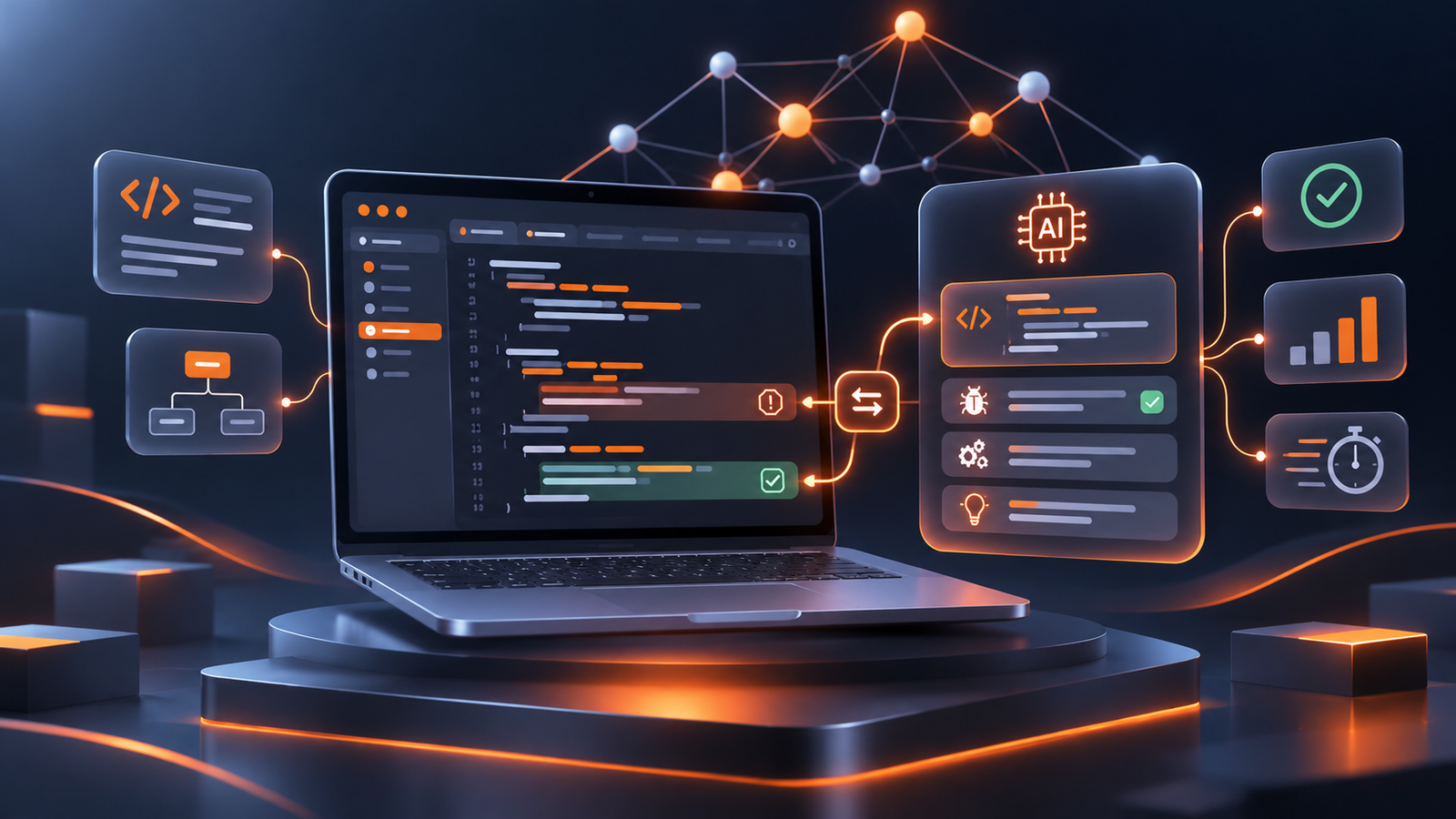
The modern coding interview is evolving to include AI-assisted development and problem-solving.
What Does an AI-Enabled Round Actually Look Like?
Take Meta’s version, based on candidate reports. You get about 60 minutes in a CoderPad-style environment with a file explorer, a code editor and an AI chat panel. Instead of one neat algorithm puzzle, you work on a small multi-file project that builds in stages:
- Fix a bug in existing code (reported as roughly minutes 5 to 15).
- Build a feature, where AI help is most useful.
- Optimise what you built for performance or scale.
- Walk the interviewer through your decisions.
Google’s pilot is similar in spirit: you’re handed an unfamiliar codebase and asked to read it, find bugs, justify design choices and suggest improvements, with Gemini available. According to the reported internal document, interviewers are looking at AI fluency: prompt engineering, output validation and debugging.
Notice what’s missing: these rounds aren’t about reciting an algorithm from memory.
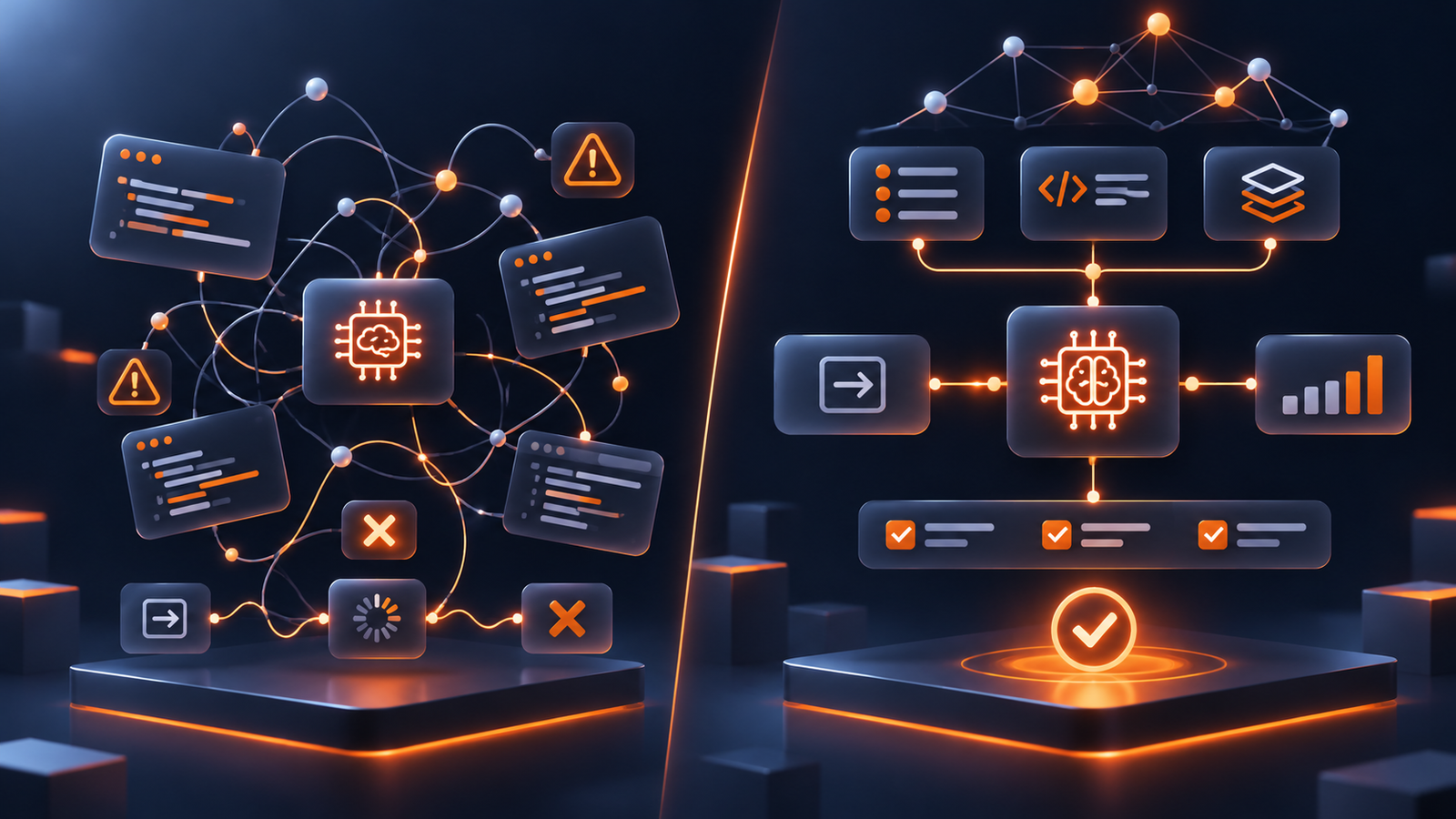
An AI-enabled coding interview combines problem-solving, debugging and communication.
What Interviewers Are Really Scoring
Across the guides and candidate reports we reviewed, the same four signals keep coming up.
1. Prompt Quality
Do you give the AI clear, scoped instructions with the right context, or do you paste the whole problem and say “solve this”? Treating the AI like a vending machine (insert prompt, receive code) is a red flag. Treating it like a junior pair-programmer you guide and double-check is the green flag.
2. Verification
Do you run the code, write tests, and catch the AI’s mistakes, or do you trust the first answer? AI is confidently wrong more often than you’d like.
3. Ownership
Can you explain every line, including the ones the AI wrote? One developer guide illustrates the risk with a scenario: a candidate lets the AI generate a token-bucket rate limiter, then freezes when asked why not a sliding window. The AI wrote the code. The candidate didn’t understand it. One engineer calls this solution blindness, and it’s an easy way to fail.
4. Fundamentals
AI doesn’t hide weak basics; it exposes them. If you can’t tell whether the generated code is right, you can’t use it safely.
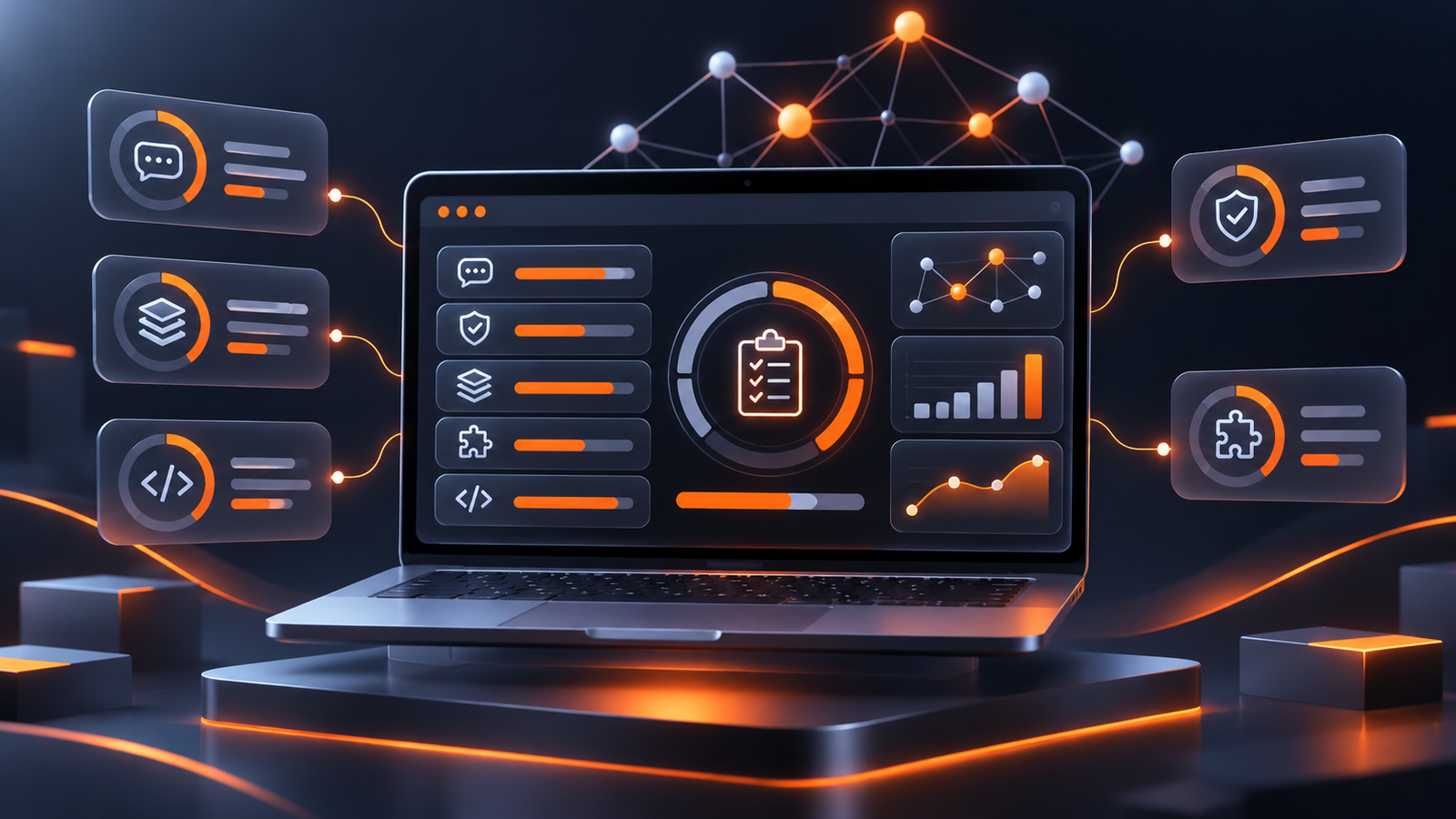
The four key skills interviewers evaluate during AI-assisted coding interviews.
And a reassuring note: at companies like Meta and Microsoft, using AI is optional in these rounds. You aren’t scored on how often you use it. You’re scored on the quality of your thinking.
The Token Question: Does Efficiency Matter?
Here’s where it gets interesting. Tokens are the units AI models read and write, and they’re what you pay for (or get capped on). A bloated prompt costs more and runs slower.
Some assessment platforms now score the prompts themselves. JustInterview.ai’s “Vibe AI” format, for example, gives candidates a built-in AI assistant, logs every prompt they send, and grades correctness, code quality and reasoning as three separate scores. A recruiter can see at a glance whether you asked focused debugging questions or just begged for a full solution.
Now the honest nuance: token counting is an emerging experiment, not an industry standard. The big-name rounds we found focus on judgment, not on a token meter. One developer essay even argues that raw token thrift is a poor measure, because a candidate who uses more context and ships a safer, better-tested fix beats one who “performs austerity” and ships something fragile.
So don’t aim to use the fewest tokens. Aim to use them well. Efficient prompting and good prompting turn out to be the same skill: know what you want, give only the context that matters, and don’t waste turns.
Bad Prompt vs. Good Prompt
Say you’ve been given a function that crashes on empty input.
The Wasteful Way
“Here’s my entire 400-line file. Something’s broken. Fix everything and make it better.”
This burns tokens on irrelevant code, invites the AI to rewrite things you didn’t ask about, and leaves you with a giant diff you now have to review under time pressure.
The Sharp Way
“calculate_average(scores) in stats.py throws ZeroDivisionError when scores is empty. Here’s the function and the stack trace. Return 0.0 for empty input, keep the current behaviour otherwise, and show only the changed lines.”
It names the exact function, the exact error and the exact desired behaviour, and it asks for a minimal diff. That’s cheaper, faster, easier to verify, and exactly what an interviewer wants to see.
Specific prompts help developers get more accurate and manageable AI-generated code.
7 Habits of Token-Smart Candidates
- Think before you prompt. Spend the first couple of minutes understanding the problem and sketching your approach. A commonly cited mistake is prompting before you understand.
- Scope every prompt. One task at a time: a function, a bug, a test. Never “solve the whole thing.”
- Paste only what matters. The failing function and the error message beat the whole repository.
- State your constraints up front. Language, style, edge cases, and the existing patterns the code must follow.
- Ask for diffs, not rewrites. “Show only what changed” saves tokens and shrinks your review burden.
- Delegate the boring parts. Boilerplate, test skeletons and repetitive setup are great AI jobs. Core logic and design decisions stay with you.
- Verify, then explain. Run it, test edge cases (nulls, boundaries, empty inputs), and be ready to defend every line out loud.
Seven practical habits to improve AI-assisted coding efficiency and interview performance.
Common Mistakes to Avoid
- Pasting the first AI answer without reading it.
- Going silent. Narrate your thinking so the interviewer can follow your reasoning.
- Over-prompting. Six vague messages instead of one precise one.
- Using AI in a round where it isn’t permitted.
- Using an unapproved tool or a hidden helper. Fabric, a vendor of AI interviewing software, reported flagging about 38.5% of candidates for suspected AI assistance across roughly 19,400 AI-led interviews. That’s one company’s own detection data, so treat it as indicative, but it shows why employers are watching closely.
How to Practise (Free, and Starting Today)
You don’t need a special platform. Try this weekly drill:
- Pick a small open-source repository with existing tests.
- Set a 60-minute timer.
- Add one feature or fix one bug using an AI assistant, without breaking any tests.
- Talk out loud the whole time, as if someone is watching.
- Afterwards, review your prompt history. Which prompts were vague? Which were wasteful? Which got you the best result?
Also keep your fundamentals sharp. Data structures, complexity analysis and clean code still matter, because they’re what let you judge what the AI hands you.

Practising real coding tasks with AI can help candidates prepare for modern technical interviews.
The Bottom Line
Tech interviews are evolving from “can you write this from memory?” to “can you direct, verify and own the work, with AI as your tool?” The developers who thrive won’t be the ones who avoid AI, or the ones who lean on it blindly. They’ll be the ones who think first, prompt precisely, check everything, and can explain it all.
At Swabhav Techlabs, we believe talent is created, not just found, and the skills that matter are changing fast. Build your fundamentals, practise working with AI deliberately, and you won’t just survive the new interview. You’ll be ready for the job it’s trying to simulate.
andidates make?
Prompting before understanding the problem, then pasting the answer without being able to explain it.
Remember: AI can help you write code, but you are responsible for understanding, testing and explaining it.
Policies and formats in this space change quickly. Details above reflect public reports and candidate accounts at the time of writing, so verify with the hiring company before your interview.